
Updated August 2026

Brian Rosemorgan
Retired Professional Trader | 8+ Years Experience | South Africa
Questions?
Forex Market Orders vs Limit Orders Explained
Understanding how different order execution types function is critical for every foreign exchange trader. When executing trades through a retail platform, choosing between immediate market entry and strategic price positioning dictates whether you prioritize execution speed or exact cost control.
Market orders execute instantly at the current best available price, making them ideal when seizing sudden trading setups. In contrast, limit orders allow you to specify an exact price threshold, ensuring you never pay more than intended, though you risk missing the move entirely if price never reaches your target.
Throughout this guide, you will master the operational mechanics of both execution methods, learn when to deploy market versus limit strategies, and discover how to minimize transaction slippage during volatile trading sessions.
1. What Is a Forex Market Order?
A market order is an instruction to buy or sell a currency pair immediately at the current market price. It guarantees execution speed over exact pricing, ensuring your position opens right away during active market hours, though minor slippage can occur during high volatility.
2. What Is a Forex Limit Order?
A limit order is a pending instruction to buy below the current market price or sell above it. It guarantees your desired price or better, giving you precise cost control, but it will not execute unless the market trades down to or up to your exact level.
3. Execution Speed vs. Price Precision
Choosing between market and limit orders involves a direct trade-off between speed and cost control. Market orders prioritize immediate entry when momentum is strong, while limit orders wait patiently for a better price, sacrificing certainty of execution for financial precision.
4. Minimizing Slippage with Pending Entries
Slippage occurs when a market order fills at a different price than expected due to sudden market shifts. Utilizing limit orders effectively eliminates negative slippage on entry because your broker is strictly bound to execute only at your specified price or better.
5. Strategic Application in Daily Trading
Professional traders match their order types to specific market conditions. They deploy market orders for fast breakouts where missing entry is costly, and they rely on limit orders during range-bound conditions to secure optimal discount pricing on retracements.
Brian’s Expert Advice
During my years of active trading, I learned that using market orders blindly during major news releases can cause devastating slippage. If you want to trade pullbacks or range setups, patience with limit orders saves capital. Always use market orders only when speed is more vital than a few pips of price perfection.
| Key Feature | What You Need to Know | Actionable Takeaway |
|---|---|---|
| Market Order Execution | Guarantees immediate entry at current best available market pricing. | Use when speed matters most to catch fast momentum breaks. |
| Limit Order Precision | Guarantees exact price or better, but execution is not guaranteed. | Deploy on retracements to secure favorable entry costs. |
| Slippage Control | Market orders risk slippage; limit orders eliminate negative entry slippage. | Avoid market entries during high-impact news announcements. |
Frequently Asked Questions
1. What is the difference between a market order and a limit order?
A market order executes instantly at the current prevailing market price, prioritizing speed over exact cost. A limit order waits for a specific target price, prioritizing precise cost control while risking non-execution if price never reaches that level.
2. When should I use a forex market order?
You should use a market order when you want to enter or exit a trade immediately, such as when catching a fast-moving breakout or cutting a losing position. Speed is guaranteed, though your exact fill price can vary during volatility.
3. When should I use a forex limit order?
You should use a limit order when you want to buy lower or sell higher than the current market price. They are ideal for trading pullbacks, support and resistance bounces, or entering positions without paying market spread premiums.
4. Can a limit order fail to execute?
A limit order can fail to execute if the market price never reaches your specified price level. The broker will keep the order pending until it is triggered or manually cancelled by you.
5. What is slippage and how does it affect market orders?
Slippage is the difference between the expected price of a trade and the actual execution price. It typically happens during fast-moving market conditions when market orders fill at the next available liquidity level.
6. Do limit orders protect against slippage?
Limit orders protect you from negative entry slippage because they restrict your broker from filling your order at a worse price than specified. You will either get your exact price or a better price.
7. Are market orders available 24 hours a day?
Market orders are available 24 hours a day during active forex market sessions, from Monday morning in Sydney to Friday afternoon in New York, whenever sufficient market liquidity exists to match your order.
8. Can I modify or cancel a pending limit order?
You can modify or cancel any pending limit order at any time before it is triggered and executed by the market, giving you total flexibility to adapt your strategy to shifting chart structures.
9. Which order type is best for forex beginners?
Beginners benefit from understanding both types, but starting with demo limit orders helps practice patience and strategic price planning without risking capital on rushed, emotional market entries.
Brokers to Consider for Demo Trading
If you are learning forex risk management, I recommend starting with a demo account rather than rushing into live trading. When comparing brokers, look beyond advertised spreads and consider regulation, commissions, execution, platform availability, withdrawal conditions and customer support.
The brokers below are included because they offer demo-trading options. This section contains affiliate links, so I may receive a commission if you open an account through one of the links. This does not mean that either broker is suitable for every trader. Always research the broker yourself and verify its current regulatory status and trading conditions before opening an account.
XM
Demo account available
MT4 & MT5
Multiple account options
Educational resources
An option to investigate if you want to practise trading on demo while comparing its costs, platforms and account conditions with other brokers.
AvaTrade
Demo account available
MT4 & MT5
AvaTradeGO platform
Educational resources
Another option to investigate if you want to compare platforms, trading conditions and educational resources while practising on demo.
Important: Spreads, commissions, leverage and other trading conditions can change. Always check the broker’s current terms, costs, regulation and withdrawal requirements before opening an account.
Forex Trading for Beginners
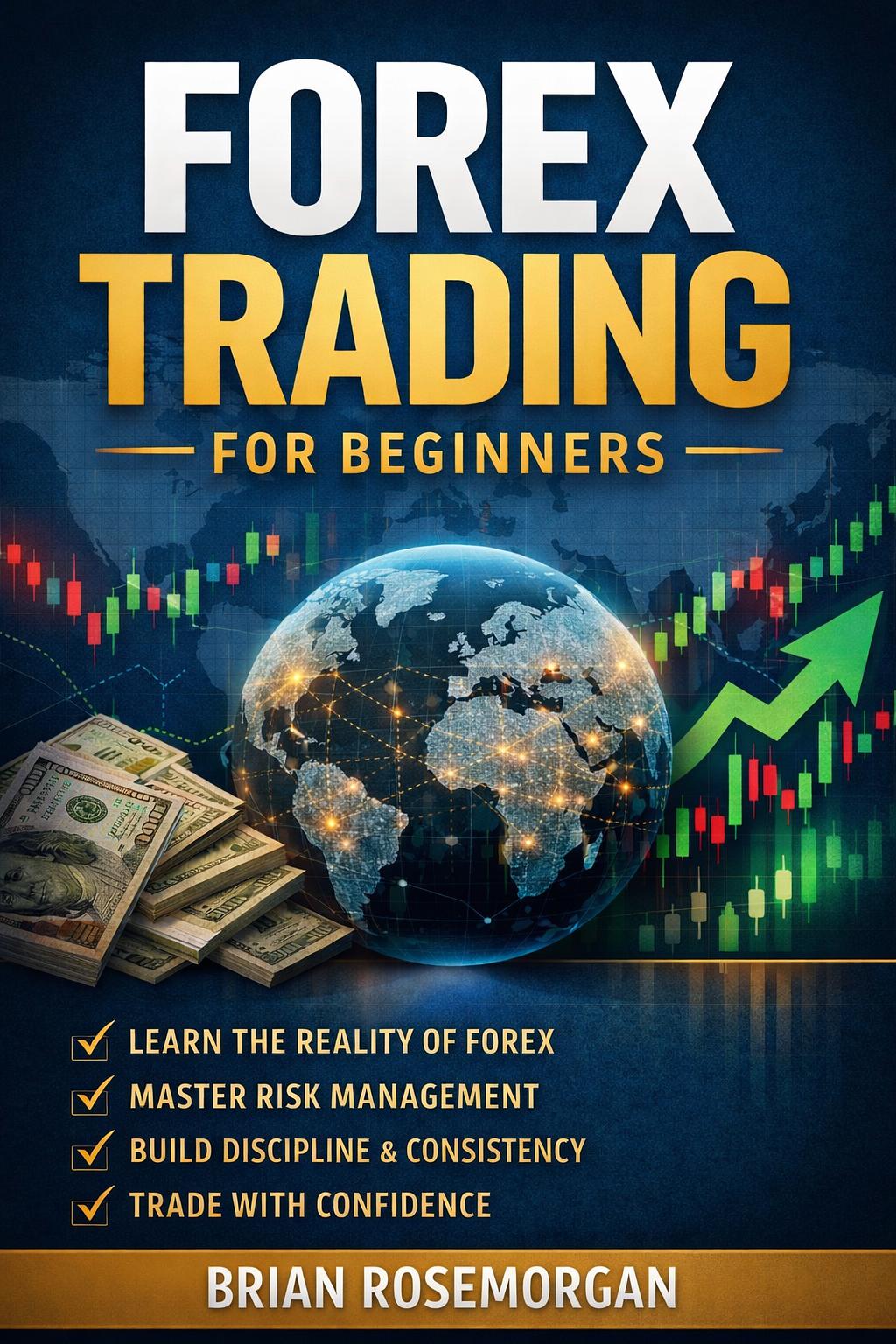
If you’ve enjoyed this free Academy, my book brings everything together in one structured beginner-friendly guide. It’s the perfect companion to the lessons you’ll complete here on TryBuying.
🎉 Congratulations!
You have completed Module 2 – Lesson 4 – Forex Order Types Explained
Click below to save your progress and return to the Academy.
Your progress will be saved automatically. Return to the Academy whenever you’re ready.